IPTV Formuler UK: Setup Guide for Formuler and MAG Boxes
IPTV Formuler UK setup is straightforward once you know which details your box needs: a Portal URL, a username and a password, or an M3U link. This guide shows where to enter them on a Formuler box using MyTVOnline, and how to set up a MAG box through its portal settings. Subscriptions start from £6.99 a month, and you can claim a free 24-hour trial before you pay. Just tell us your box model.
The quick answer:
- Formuler: open MyTVOnline, go to Content Sources, choose XC or M3U and enter the details we send
- MAG box: go to Settings, System settings, Servers, Portals and enter the Portal 1 URL
- Your box does not come with channels. They come from your subscription
- Free 24-hour trial, no card needed, and a 7-day money-back guarantee after subscribing
- Pay by PayPal or bank transfer, with 24/7 WhatsApp support
In this guide: what you need, Formuler setup, MAG setup, fixing problems, speed, prices, FAQs.
What You Need Before You Start
- Your box model. Formuler or MAG. Tell us which one when you message us.
- A wired or strong Wi-Fi connection. A cable to the box is steadier.
- Your login details. We send them on WhatsApp, usually within about 5 minutes.
An IPTV box is only the player. The channels, movies and series come from your subscription, and the box shows them. Formuler says on its own help pages that it cannot supply any URLs, so the details always come from your provider. If you are new to all this, our IPTV guide UK explains the basics.
What you need for IPTV Formuler UK setup: your box, a connection and your login details
IPTV Formuler UK Setup With MyTVOnline
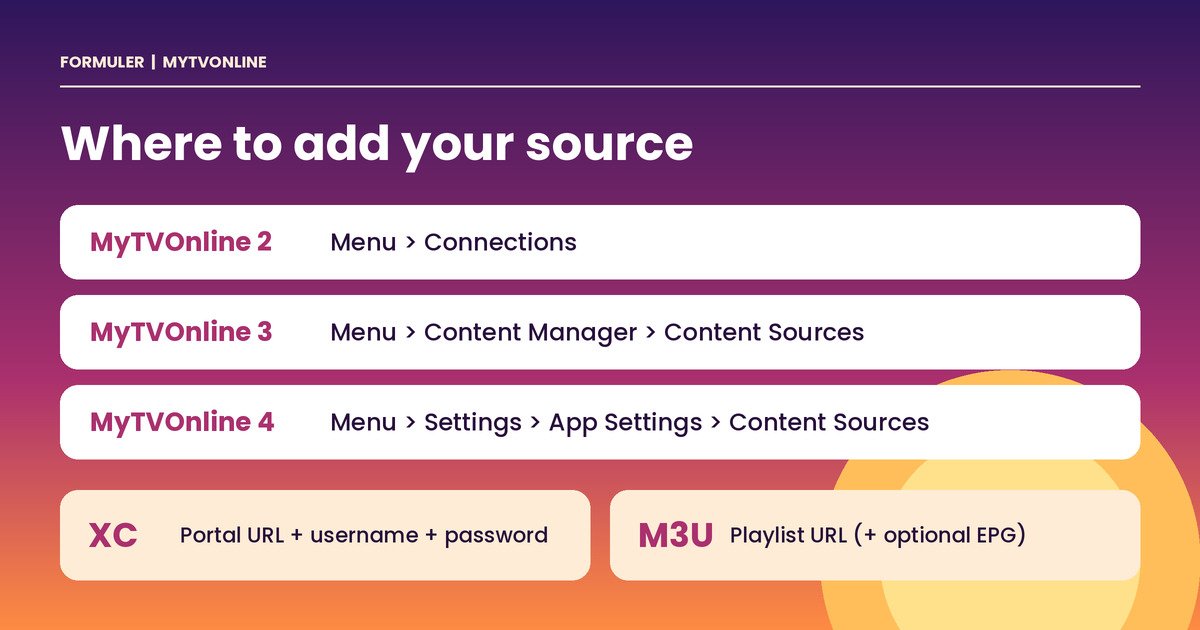
Formuler boxes use the MyTVOnline app. According to the Formuler help centre, the menu path depends on which version of MyTVOnline you have:
| MyTVOnline version | Where to add a source |
|---|---|
| MyTVOnline 2 | Menu, then Connections |
| MyTVOnline 3 | Menu, then Content Manager, then Content Sources |
| MyTVOnline 4 | Menu, then Settings, then App Settings, then Content Sources |
Once you are on that screen, choose a connection type:
Option 1: XC (Xtream Codes API)
- Choose the XC connection type.
- Enter the Portal URL.
- Enter the username and password we send you.
Option 2: M3U playlist
- Choose the M3U connection type.
- Enter the M3U playlist URL we send you.
- If you want a programme guide, add the EPG XML URL if one is provided.
Copy the details exactly as sent. A single wrong character is the most common reason a login fails.
IPTV Formuler UK setup: the menu path for MyTVOnline 2, 3 and 4 and the XC and M3U fields
What about a MAC ID portal? Some boxes use a MAC ID instead. In that case only a Portal URL is entered on the box, and your provider needs your box’s MAC ID, which starts with 00:1A. Formuler says you can find it on the sticker underneath the box or on the portal connection screen. Not sure which method your box needs? Send us your model on WhatsApp and we’ll tell you which details to expect.
IPTV MAG Box UK: Setting the Portal
MAG boxes work differently. You enter a portal address in the system settings. Infomir, the maker, describes the steps on its official wiki:
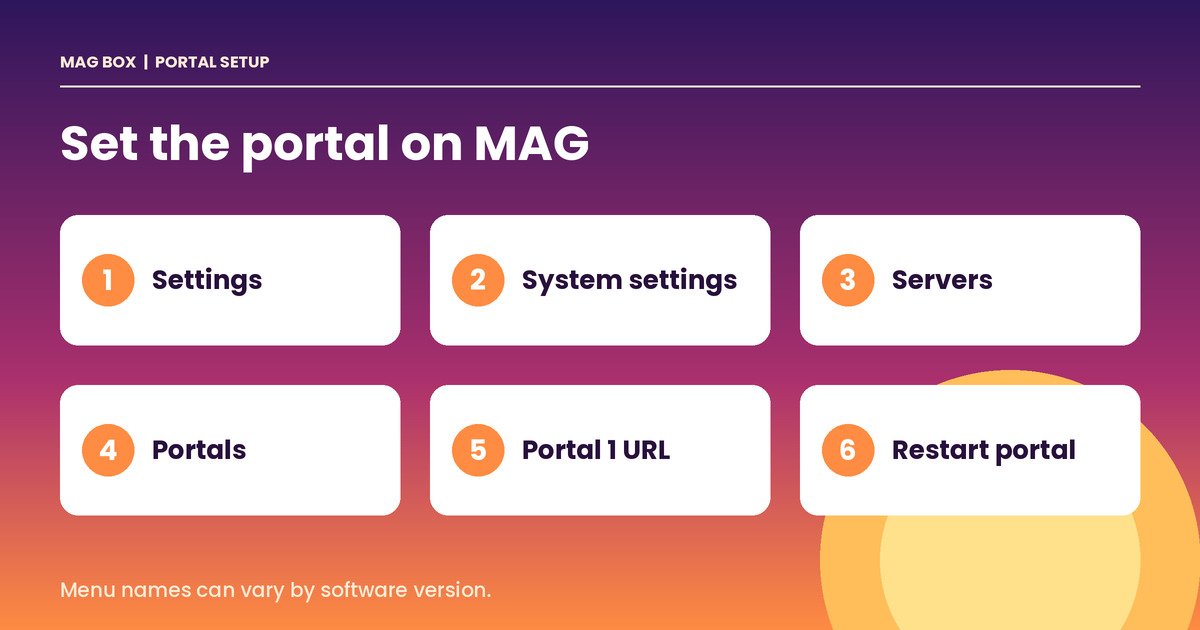
- Press Setup on the remote, or go to Main menu, Settings, System settings.
- Select Servers.
- Select Portals.
- Enter the address in Portal 1 URL. You can also set a Portal 1 name.
- To apply the change, choose System settings, then Restart portal, and confirm. You can also choose Reboot device.
If you need more than two portals, choose More (F1) and switch Multiportal mode to ON.
IPTV MAG box UK setup: Settings, System settings, Servers, Portals, then enter Portal 1 URL and restart the portal
Your MAG box also has its own MAC address, which your provider uses to link your subscription. Message us your box model and MAC address and we’ll send the right portal details for your setup. Menu names can vary between software versions, so check your box’s own screen if something looks different.
What If You Have Another Box?
We also support Android boxes, Amazon Firestick, Samsung and LG Smart TVs, iPhone, iPad, Windows PC, Mac and Nvidia Shield. See our devices page, and our guides for Firestick and Samsung and LG TVs. If you are choosing an app instead of a box, read our best IPTV player UK guide.
Common IPTV Formuler UK Problems and Fixes
| Problem | What to try |
|---|---|
| Login fails | Re-enter the details exactly as sent. Check for extra spaces. |
| No channels after login | Reload the source, or restart the app. |
| Pauses or buffering | Test your speed. Use a cable instead of Wi-Fi. Read our IPTV buffering fix guide. |
| Wrong or missing programme guide | Check the EPG address, or refresh the guide. |
| MAG box shows no portal | Re-enter Portal 1 URL, then use Restart portal. |
| Menu looks different | Your software version may differ. Tell us your model and we’ll guide you. |
If none of that works, message us on WhatsApp with your box model, the app or menu you are on, and a photo of the error. Support is available 24/7.
How Fast Does Your Internet Need to Be?
You need about 10 Mbps for HD and 25 Mbps or more for 4K, per stream. If several people stream at once, add the numbers together. Test your line with Speedtest in the evening, when your home is busiest.
IPTV Formuler UK Subscription Prices
There are three plans. The plan sets your picture quality, and the length sets your monthly cost. These are the 1-device prices.
| Plan | Quality | 1 month | 3 months | 6 months | 12 months |
|---|---|---|---|---|---|
| Standard | HD | £6.99 | £17.99 | £29.99 | £39.99 |
| Advanced (most popular) | Full 4K, priority stream servers | £9.99 | £24.99 | £37.99 | £49.99 |
| Premium | Ultra 4K, dedicated server per line, exclusive VIP channels, VIP direct support | £12.99 | £32.99 | £49.99 | £69.99 |
A 4K plan only helps if your TV and box support 4K, so Standard may be enough for an HD setup. Longer plans cost less per month, and 2 and 3 device plans cost less than separate lines. Check the live pricing page before you order, because prices can change. See our IPTV subscription UK guide for every option.
Across the whole service you get 25,000+ live channels from 60+ countries, 3,500+ UK channels and 180,000+ movies and series. Adult content is optional and disabled by default, and kids channels have parental controls on every device. Channel lineups can change, so use the free trial to check the channels you care about.
Try It Free on Your Own Box
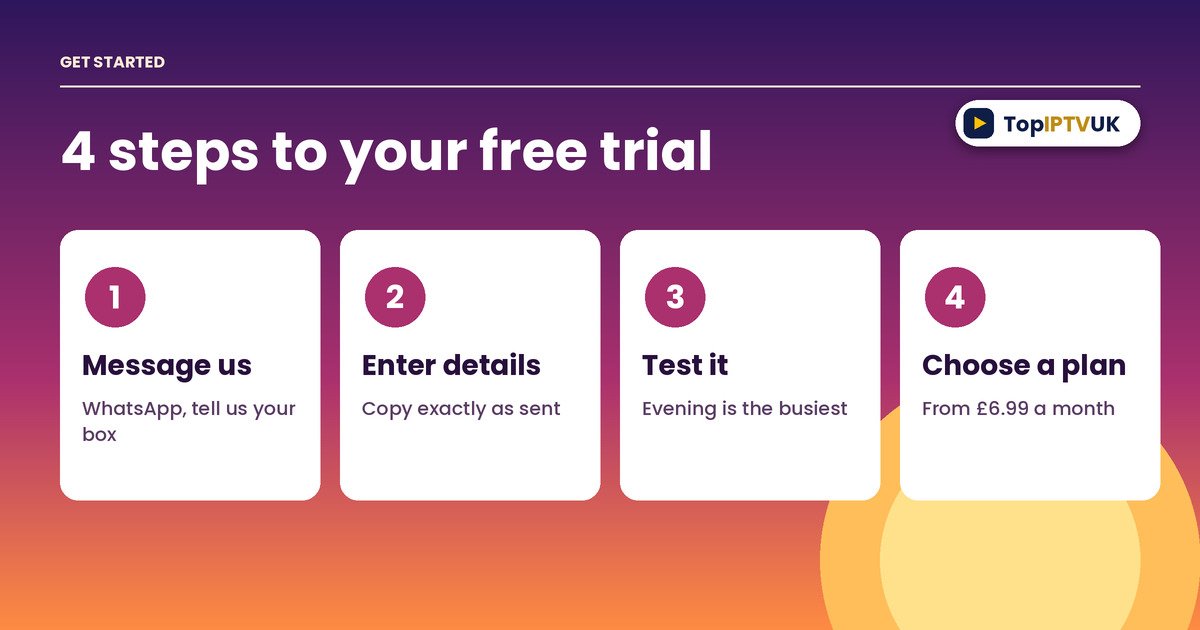
The best way to check your setup is to test it. Our free trial lasts 24 hours and needs no card. Message us on WhatsApp, tell us your box model and we’ll send the details. Try it in the evening when streaming is busiest. If you subscribe, there is a 7-day money-back guarantee. Read more in our IPTV free trial UK guide.
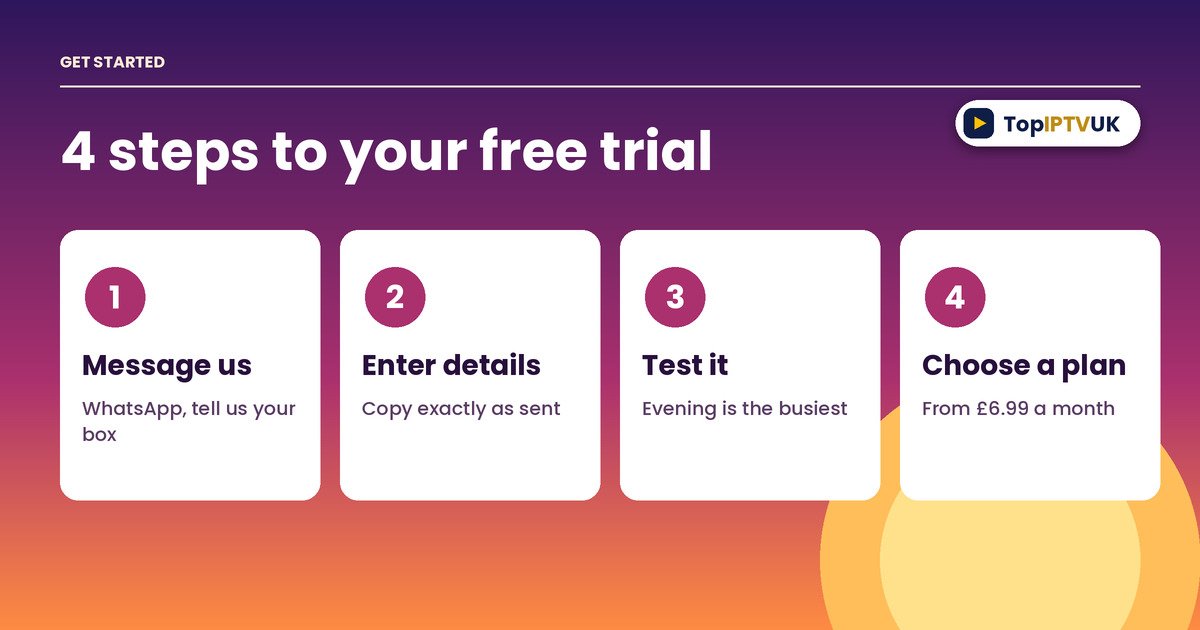
Four steps for IPTV Formuler UK: message us, enter your details, test it, choose a plan
Frequently Asked Questions
How do I set up IPTV on a Formuler box? Open MyTVOnline, go to the Content Sources screen for your version, choose XC or M3U and enter the details we send you.
Where do I add an IPTV source in MyTVOnline? In MyTVOnline 2 it is Menu, Connections. In MyTVOnline 3 it is Menu, Content Manager, Content Sources. In MyTVOnline 4 it is Menu, Settings, App Settings, Content Sources.
What details do I need for XC? A Portal URL, a username and a password. We send them on WhatsApp.
Does Formuler provide the IPTV URL? No. Formuler says it cannot provide any URL. The details come from your IPTV provider.
How do I set up IPTV on a MAG box? Go to Settings, System settings, Servers, Portals, enter the Portal 1 URL, then restart the portal.
Where do I find my box’s MAC address? On the sticker on the bottom of the box, or on the portal connection screen. Formuler MAC IDs start with 00:1A.
What internet speed do I need? About 10 Mbps for HD and 25 Mbps or more for 4K, per stream.
Is there a free trial? Yes. The free trial lasts 24 hours and needs no card.
Is there a money-back guarantee? Yes, there is a 7-day money-back guarantee after subscribing.
How do I pay? You can pay by PayPal or bank transfer.
Legal Note
IPTV technology itself is legal in the UK. As with any streaming provider, it’s sensible to stay informed about the licensing of the content you choose to watch.
Final Thoughts
IPTV Formuler UK setup comes down to entering the right details in the right menu. Find your MyTVOnline version or your MAG portal screen, copy the details exactly as sent, and test with the free trial before you commit to a plan.
Ready to try? Message us on WhatsApp for your free 24-hour trial. For advice on UK broadcasting and streaming, you can also visit Ofcom.
Related Reading
Ready to start streaming? Get your free trial now.
📲 Free Trial on WhatsApp