IPTV Free Trial UK: How to Test Before You Pay (2026)
IPTV Free Trial UK: How to Test Before You Pay (2026)
Paying for a TV service you’ve never tried is a gamble. Streams might buffer during the match, the channels you want might be missing, or the app might not work on your TV. That’s why an IPTV free trial UK viewers can use before paying is the single best way to protect yourself.
In this guide we’ll explain what an IPTV free trial is, exactly what to test during it, how to spot unreliable providers, and how to start your own free trial with Top IPTV UK. If you’re still comparing services, our complete buyer’s guide to the best IPTV subscription UK is a good place to start.
What Is an IPTV Free Trial?
An IPTV free trial is a short, free access period (usually 24 hours) that lets you use a provider’s live channels and on-demand library before you commit to a paid plan. You get a real login and use the real service, on your own TV, device and internet connection.
Why does that matter? Because every home is different. Your Wi-Fi speed, router, TV model and the channels you care about decide how good IPTV feels for you. A trial shows the truth in a way that screenshots and promises never can.
Why You Should Never Skip the Free Trial
- You test your own set-up. Streaming quality depends partly on your broadband and device, not only on the provider.
- You check the channels you actually watch. A huge channel count means little if your favourite sports and entertainment channels aren’t reliable.
- You see peak-time performance. Evenings and match days are when weak services struggle.
- You meet support before you need it. How fast a provider replies tells you a lot.
- You risk nothing. If it isn’t right, you walk away.
A provider that refuses to offer any trial, or asks for full payment first, should make you cautious.
What to Test During Your 24-Hour IPTV Free Trial
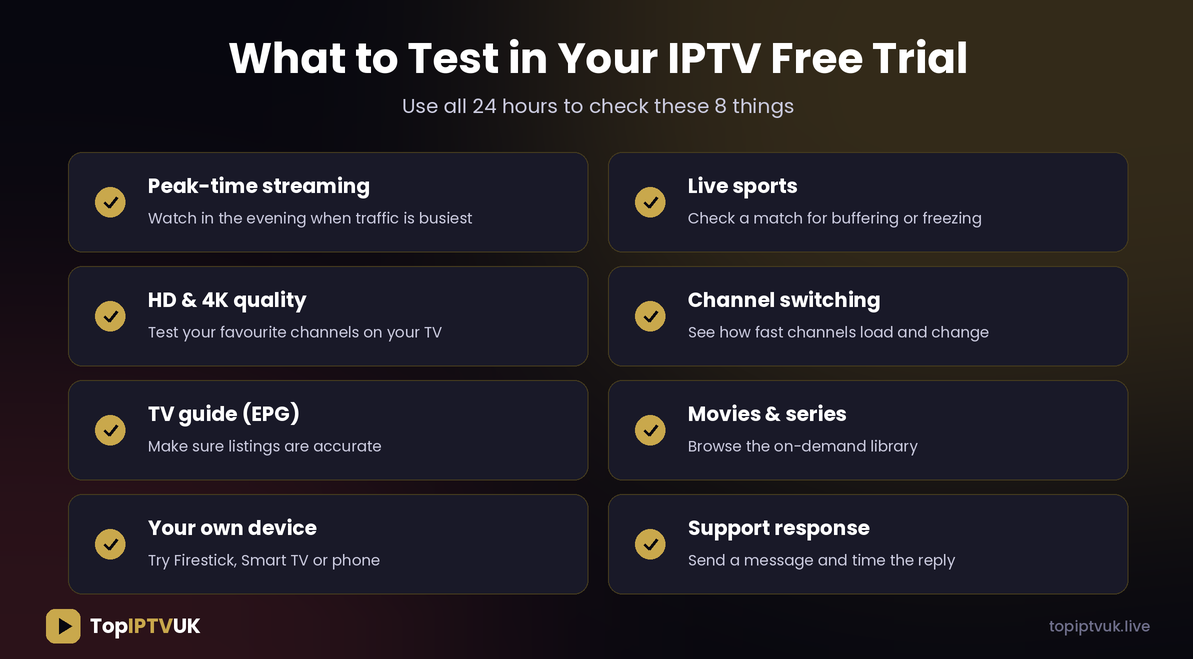
Don’t just open the app and look at the home screen. Use the full 24 hours with this checklist.
1. Peak-Time Streaming
Most people watch between 6pm and 11pm, when networks are busiest. Test then, not at 10am. Watch for buffering, freezing or sudden drops in picture quality.
2. Live Sports
If sport is why you want IPTV, check a live match or event during your trial. Fast action and big audiences are the toughest test for any stream. Top IPTV UK covers a wide range of sports, including football, F1, boxing, UFC, cricket, NFL and NBA. See the full channel list before you start so you know what to look for.
3. HD and 4K Quality
Open several channels and compare picture quality on your own TV. A recommended connection is around 10 Mbps for HD and 25 Mbps or more for 4K. Run a speed test on your TV’s own network to see what you really get.
4. Channel Switching Speed
Flip between ten channels. They should open in a couple of seconds. Slow loading and frequent errors are a bad sign.
5. TV Guide (EPG)
A good TV guide shows correct programme names and times. Check a few channels against what’s actually on screen.
6. Movies and Series
Browse the on-demand section. Open a film and a series episode, skip forward, pause and resume. Top IPTV UK offers 180,000+ movies and series on demand.
7. Your Own Device
Test on the device you’ll really use. Setup guides are available if you need them:
- How to set up IPTV on Amazon Firestick
- IPTV for Smart TV: Samsung and LG setup guide
- Our device guide for Android, iPhone, PC, Mac and more
8. Support Response
Send one question during the trial and note how quickly and clearly you get an answer. Top IPTV UK offers 24/7 WhatsApp support, so you can test this too.
How to Start Your Top IPTV UK Free Trial
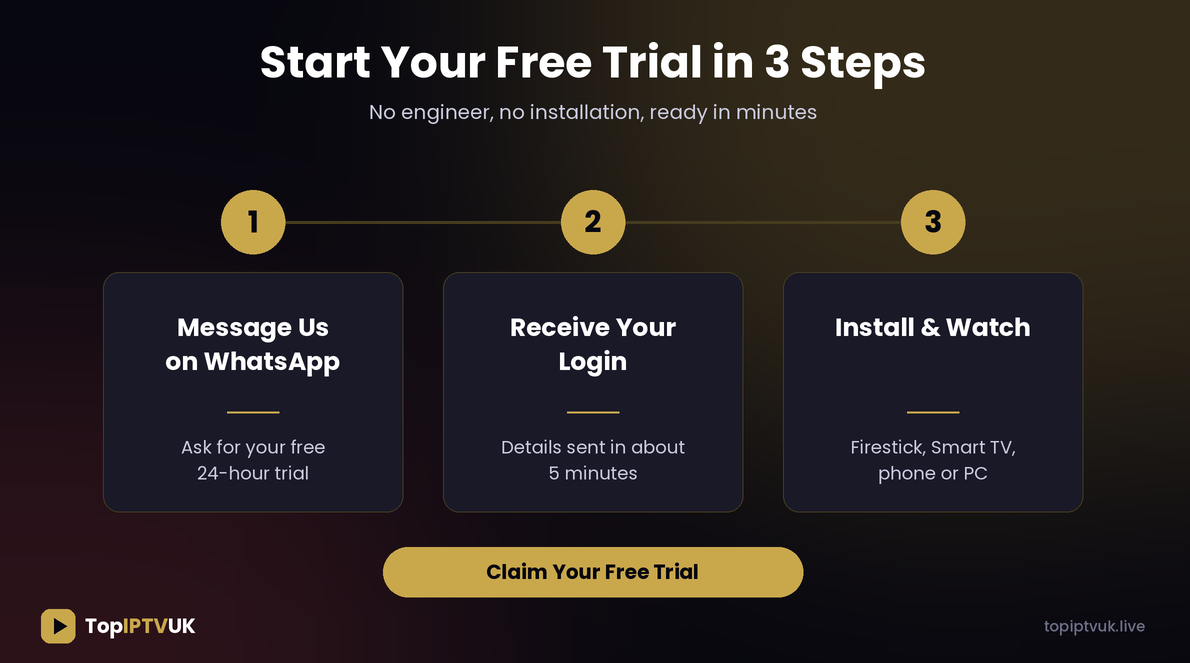
Getting started takes only a few minutes:
- Message us on WhatsApp and ask for your free 24-hour trial.
- Receive your login. Details are normally sent within about 5 minutes.
- Install the app and sign in on your Firestick, Smart TV, phone or PC.
That’s it. No installation visit, no complicated forms.
How to Spot a Reliable IPTV Provider

Not every IPTV seller is equal. Watch out for these red flags before you pay anyone:
- No free trial. If they won’t let you test it, ask yourself why.
- Payment before any test. You should be able to try first.
- No support. If nobody replies before you’ve paid, nobody will reply after.
- No refund or guarantee policy. Good providers back their service.
- Prices that look too good to be true. Extremely cheap plans often cut corners on stability and support.
Good signs are the opposite: a free trial, clear plans and prices, real human support, a money-back guarantee and compatibility with all your devices. Top IPTV UK includes a 7-day money-back guarantee on top of the free trial, so you have extra protection after you subscribe.
Free Trial vs Paid Plan: What Changes?
A trial is meant to show you the real service, so the experience should be the same quality you get when subscribed. What differs is mainly the time limit and the number of devices. After the trial, you choose a plan that fits your home:
| Plan | Best for |
|---|---|
| Core | Single viewer or one TV |
| Plus | Families who want more devices |
| Elite | Heavy users who want the full premium experience |
Plans run for 1, 3, 6 or 12 months and start from £9.99/month. Longer terms give better value. See every price on the pricing page and pick the number of devices that matches your household.
Tips to Get the Most From Your Trial
- Test on the same network you’ll normally use. Don’t try it at a friend’s house.
- Use Ethernet if your TV or box has a port. It’s more stable than Wi-Fi.
- Close other heavy downloads during testing so you see true performance.
- Write down your must-have channels before you start and check them all.
- Test at two different times, for example afternoon and evening.
- Restart your router first to avoid false problems.
Common Mistakes People Make With IPTV Trials
- Testing only once. One quick look at midday proves little.
- Ignoring their own internet speed. Slow broadband can’t be fixed by any provider.
- Forgetting to test sport or on-demand, the parts they care about most.
- Not asking questions. If something confuses you, message support.
- Choosing the longest plan immediately. If you’re unsure, start with a shorter term, then upgrade.
Frequently Asked Questions
Is there a free IPTV trial in the UK?
Yes. Top IPTV UK offers a free 24-hour trial. Message us on WhatsApp and we’ll send your login.
How long does the free trial last?
24 hours, which is enough to test peak-time streaming, sports and your own device.
Do I need to pay to get the trial?
No. The trial is free so you can test before you decide.
What devices can I use for the trial?
Firestick, Samsung and LG Smart TVs, Android and iOS phones and tablets, Windows PC, Mac and popular boxes such as Formuler, MAG and Nvidia Shield.
What internet speed do I need?
About 10 Mbps for HD and 25 Mbps or more for 4K.
What if I like it? How do I continue?
Pick a plan on the pricing page or message us on WhatsApp, and your account is upgraded without a new setup.
What if I change my mind after paying?
Top IPTV UK includes a 7-day money-back guarantee.
Can I get help setting it up?
Yes. Our support team is available 24/7 on WhatsApp, and we have step-by-step guides for each device.
Final Thoughts
The best way to choose an IPTV service is simple: test it first. A proper IPTV free trial UK households can use shows you real performance on your own TV, with your own channels, at the time you actually watch. Use the checklist above, watch for red flags, and only pay when you’re happy.
Ready to see the difference yourself?
👉 Request your free 24-hour trial on WhatsApp
Related reading:
Ready to start streaming? Get your free trial now.
📲 Free Trial on WhatsApp