Best IPTV Player UK: Top Apps by Device (2026)
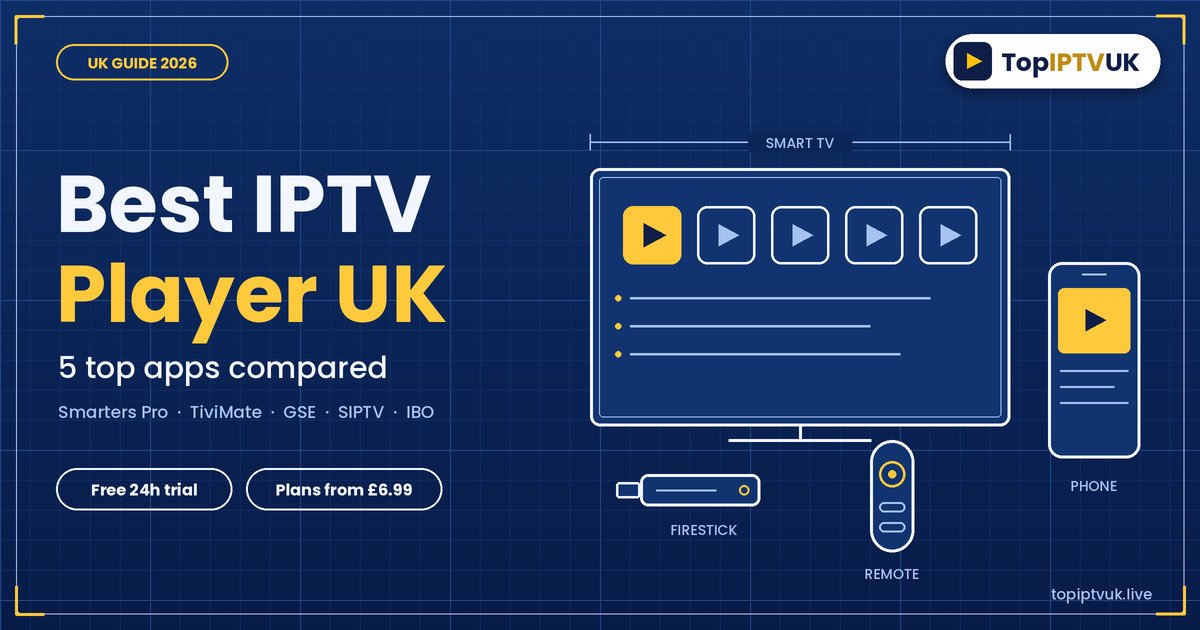
The best IPTV player UK viewers can choose depends on one thing: the device you watch on. For most people the shortlist is IPTV Smarters Pro and TiviMate on a Firestick or Android box, Smart IPTV (SIPTV) or IBO Player on a Samsung or LG Smart TV, and Smarters Pro or GSE on an iPhone or iPad. Your player is only the app. The channels come from your subscription, which starts from £6.99 a month, and you can claim a free 24-hour trial to try a player on your own screen first.
The quick answer:
- Firestick or Android: IPTV Smarters Pro or TiviMate
- Samsung or LG Smart TV: Smart IPTV (SIPTV) or IBO Player
- iPhone or iPad: IPTV Smarters Pro or GSE Smart IPTV
- Formuler or MAG box: IBO Player, or the box’s own portal
- Windows PC: IPTV Smarters Pro. Mac: VLC or GSE
- App features, prices and availability change, so always check the store page on your own device
In this guide: what a player is, the best player by device, how to log in, how to choose, fixing common problems, FAQs.
What Is an IPTV Player?
An IPTV player is the app that shows your channels. It does not contain any channels itself. Your subscription provides the channels and the login, and the player displays them on your screen.
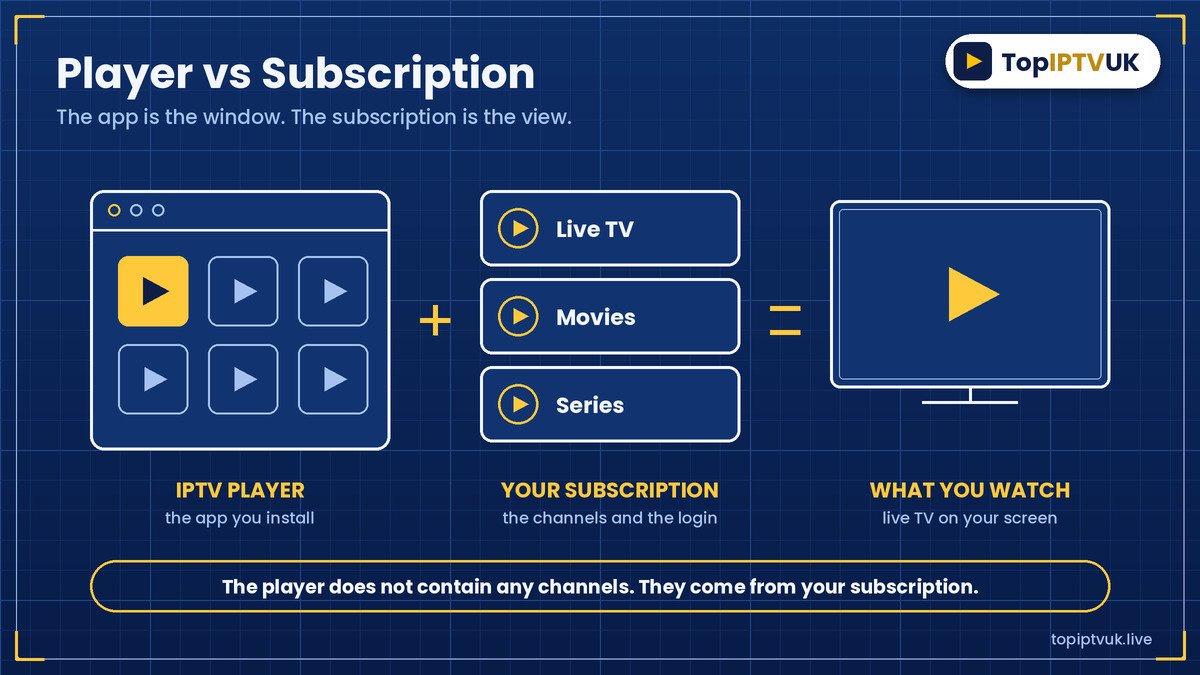
That is why the same login can work in different apps. If one app is awkward on your TV, you can often try another without changing your subscription. Our IPTV guide UK explains how it all fits together for beginners.
Best IPTV Player UK by Device
This chart shows which apps run on which devices, based on the devices we support. App availability can vary, so check your own app store.
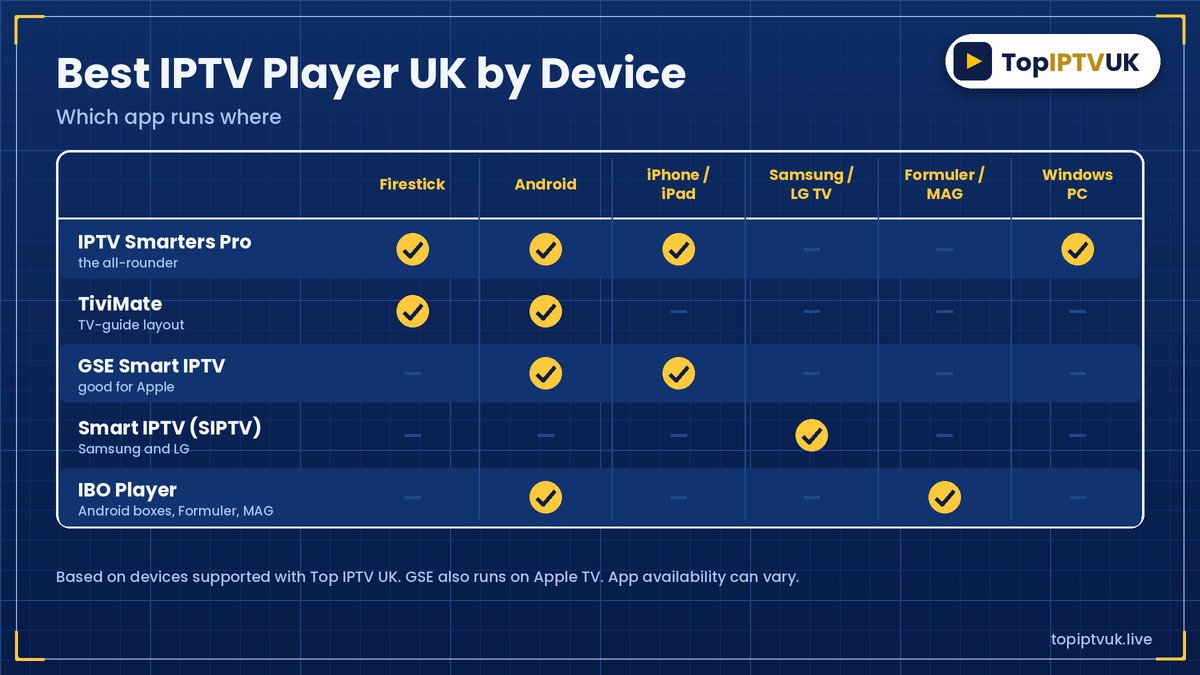
| Device | Apps to try | Notes |
|---|---|---|
| Amazon Firestick | IPTV Smarters Pro, TiviMate | Both work well on a stick |
| Android phone, tablet or box | IPTV Smarters Pro, TiviMate, IBO Player | Easy to install from the store |
| iPhone and iPad | IPTV Smarters Pro, GSE Smart IPTV | Check the App Store listing |
| Samsung and LG Smart TV | Smart IPTV (SIPTV), IBO Player | SIPTV needs your TV’s MAC address |
| Formuler and MAG | IBO Player, built-in portal | Use the box’s own setup menu |
| Windows PC | IPTV Smarters Pro | A desktop version is available |
| Mac | VLC, GSE | Use a playlist link |
We support Amazon Firestick, Samsung and LG Smart TVs, Android phones, tablets and TV boxes, iPhone, iPad, Windows PC, Mac, Formuler, MAG box and Nvidia Shield. See the full list on our devices page.
Best IPTV App Firestick Owners Can Try
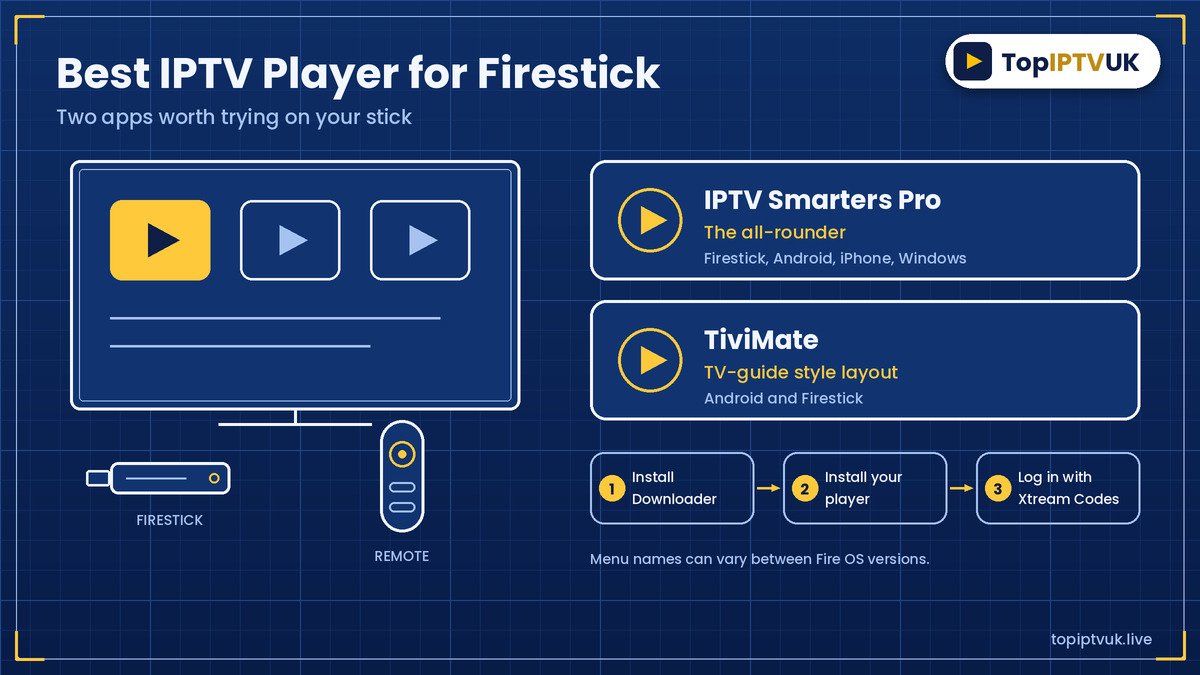
If you want the best IPTV app Firestick users can install, start with IPTV Smarters Pro or TiviMate. Both run on a Firestick and Android TV boxes.
- IPTV Smarters Pro is a popular all-rounder. It also runs on Android, iPhone and Windows, so you can use the same app on several screens.
- TiviMate uses a TV-guide style layout that many people like for live channels, and it runs on Android and Firestick.
The usual route on a stick is to install the Downloader app, install your chosen player, then log in with Xtream Codes. Menu names can vary between Fire OS versions. Our Firestick setup guide and best IPTV for Firestick UK guide show the steps.
Smart IPTV in UK: Samsung and LG TVs
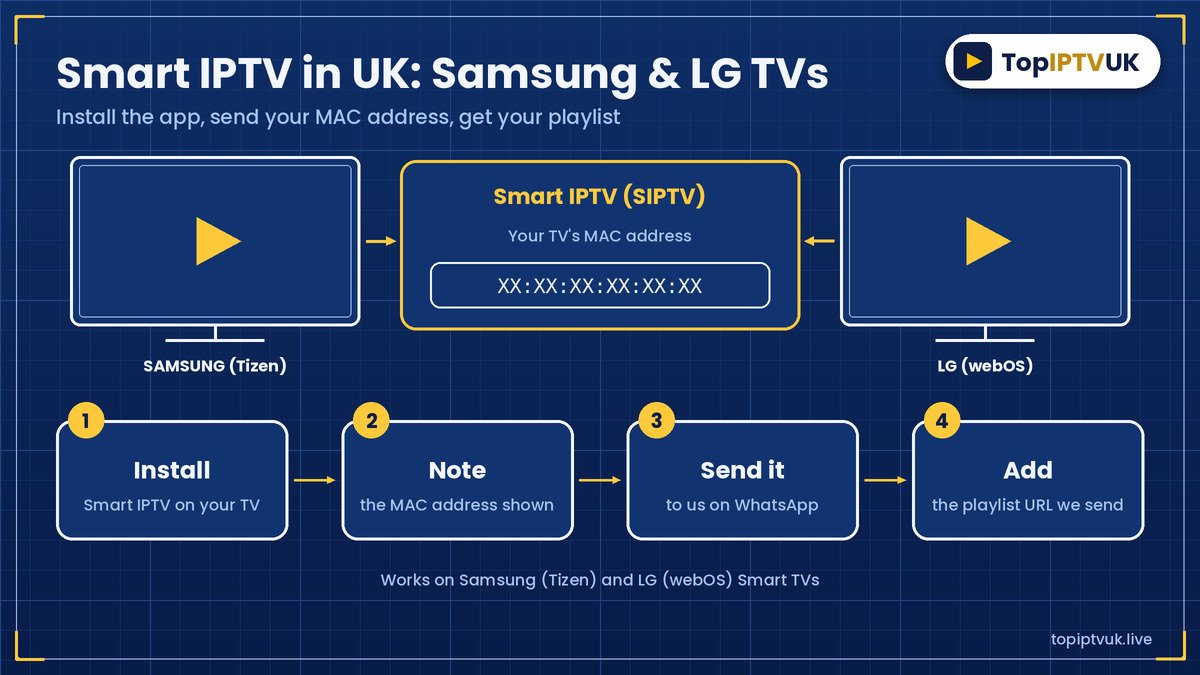
For smart IPTV in UK homes with a Samsung (Tizen) or LG (webOS) TV, the usual app is Smart IPTV, also called SIPTV. IBO Player is another option on many TVs.
SIPTV works differently from other apps. You do not type in a username and password. Instead:
- Install Smart IPTV on your TV.
- Note the MAC address shown on screen.
- Send it to us on WhatsApp.
- Add the playlist URL we send you.
The full steps are in our Samsung and LG Smart TV guide.
How to Log In With an IPTV App UK Viewers Use
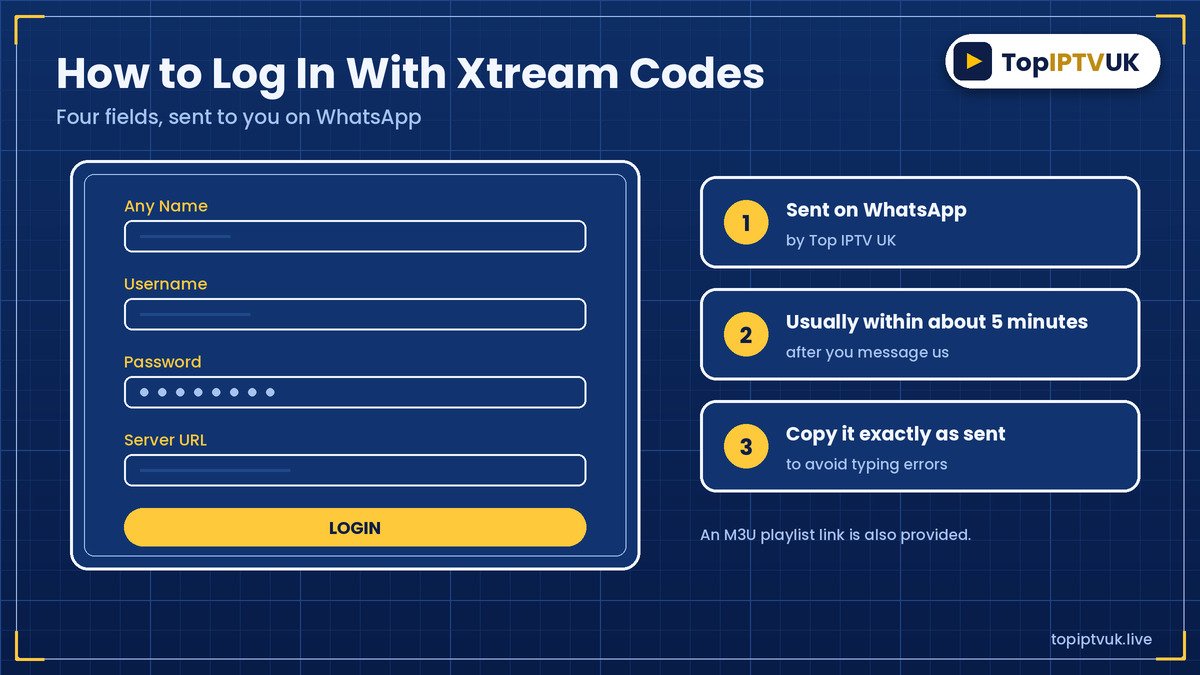
Most IPTV apps use Xtream Codes. When you subscribe or start a trial, we send you four details on WhatsApp, usually within about 5 minutes:
- Any Name (a label you choose)
- Username
- Password
- Server URL
We also provide an M3U playlist link for apps that prefer it. Copy the details exactly as sent, because a single wrong character is the most common reason a login fails.
For step-by-step help on phones and PCs, see our IPTV Smarters Pro setup guide.
How to Choose the Best IPTV Player UK Homes Can Rely On
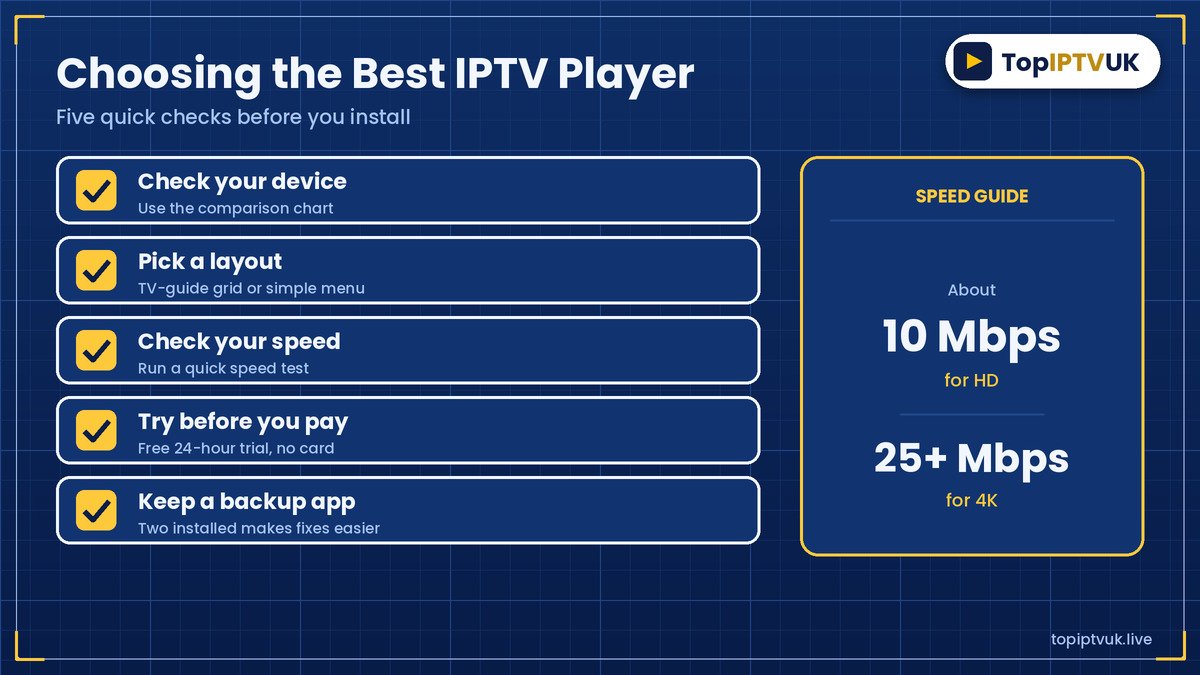
Use these five checks:
- Check your device. Use the chart above to see which apps run on it.
- Pick a layout. Some people like a TV-guide grid, others prefer a simple menu.
- Check your speed. You need about 10 Mbps for HD and 25 Mbps or more for 4K, per stream. Test with Speedtest.
- Try before you pay. Use the free 24-hour trial on your own TV.
- Keep a backup app. Having two installed makes fixing problems easier.
Be careful about where you download apps. Use your device’s official store where possible, and be wary of unknown websites offering modified versions.
Common Player Problems and Fixes
| Problem | What to try |
|---|---|
| Login fails | Re-copy the details exactly as sent. Check for extra spaces. |
| Black screen or no channels | Close and reopen the app, then reload the playlist. |
| Pauses or buffering | Test your speed. Use a cable instead of Wi-Fi. Read our IPTV buffering fix guide. |
| No programme guide | Refresh the guide inside the app, or try another player. |
| App not available on your TV | Try IBO Player or another app that supports your model. |
If none of that works, message us on WhatsApp with your device and the app name. Support is available 24/7.
Which Subscription Goes With Your Player?
The player is free to try. Your subscription is what you pay for. There are three plans, and these are the 1-device prices.
| Plan | Quality | 1 month | 3 months | 6 months | 12 months |
|---|---|---|---|---|---|
| Standard | HD | £6.99 | £17.99 | £29.99 | £39.99 |
| Advanced (most popular) | Full 4K, priority stream servers | £9.99 | £24.99 | £37.99 | £49.99 |
| Premium | Ultra 4K, dedicated server per line, exclusive VIP channels, VIP direct support | £12.99 | £32.99 | £49.99 | £69.99 |
Check the live pricing page before you order. Across the whole service you get 25,000+ live channels from 60+ countries, 3,500+ UK channels and 180,000+ movies and series. Adult content is optional and disabled by default, and kids channels have parental controls on every device. See our IPTV subscription UK guide for every option.
Try Your Player Free First
The best way to find the best IPTV player UK homes should use is to test one. Our free trial lasts 24 hours and needs no card. Message us on WhatsApp, tell us your device and we’ll send a login. Try it in the evening when streaming is busiest. If you subscribe, there is a 7-day money-back guarantee, and you can pay by PayPal or bank transfer. Read more in our IPTV free trial UK guide.
Frequently Asked Questions
What is the best IPTV player UK users choose?
It depends on your device. IPTV Smarters Pro and TiviMate are popular on Firestick and Android, Smart IPTV (SIPTV) or IBO Player suit Samsung and LG TVs, and Smarters Pro or GSE suit iPhone and iPad.
What is the best IPTV app Firestick owners can use?
IPTV Smarters Pro and TiviMate both work on a Firestick. Try each during your free trial and keep the one you prefer.
How does smart IPTV in UK work on Samsung and LG?
Install Smart IPTV, note your TV’s MAC address, send it to us on WhatsApp and add the playlist URL we send you.
Does the IPTV player contain channels?
No. The player only displays channels. They come from your subscription.
Can I use more than one app with the same login?
Often yes, as long as the app supports Xtream Codes or an M3U link and you stay within your plan’s device count. Ask us if you are unsure.
What do I need to log in?
Four details sent on WhatsApp: Any Name, Username, Password and Server URL. We also provide an M3U link.
What internet speed do I need?
About 10 Mbps for HD and 25 Mbps or more for 4K, per stream.
Is there a free trial?
Yes. The free trial lasts 24 hours and needs no card.
Is there a money-back guarantee?
Yes, there is a 7-day money-back guarantee after subscribing.
How do I pay?
You can pay by PayPal or bank transfer.
Legal Note
IPTV technology itself is legal in the UK. As with any streaming provider, it’s sensible to stay informed about the licensing of the content you choose to watch.
Final Thoughts
There is no single best IPTV player for everyone. Match the app to your device, keep a backup installed, and use the free trial to see which one feels best on your own screen. App features and prices can change, so always check the store page for the latest.
Ready to try? Message us on WhatsApp for your free 24-hour trial. For advice on UK broadcasting and streaming, you can also visit Ofcom.
Related Reading
Ready to start streaming? Get your free trial now.
📲 Free Trial on WhatsApp