IPTV Guide UK: What It Is and How It Works (2026)
This IPTV guide UK beginners can follow explains what IPTV is, how it works, what you need to watch it and what it costs, all in plain English. IPTV stands for Internet Protocol Television. It means TV that reaches your screen over your broadband connection instead of through an aerial or a satellite dish. Plans start from £6.99 a month, and you can try a free 24-hour trial before you pay.
The quick answer:
- IPTV is television delivered over the internet
- You need three things: a screen, a decent internet connection and a login
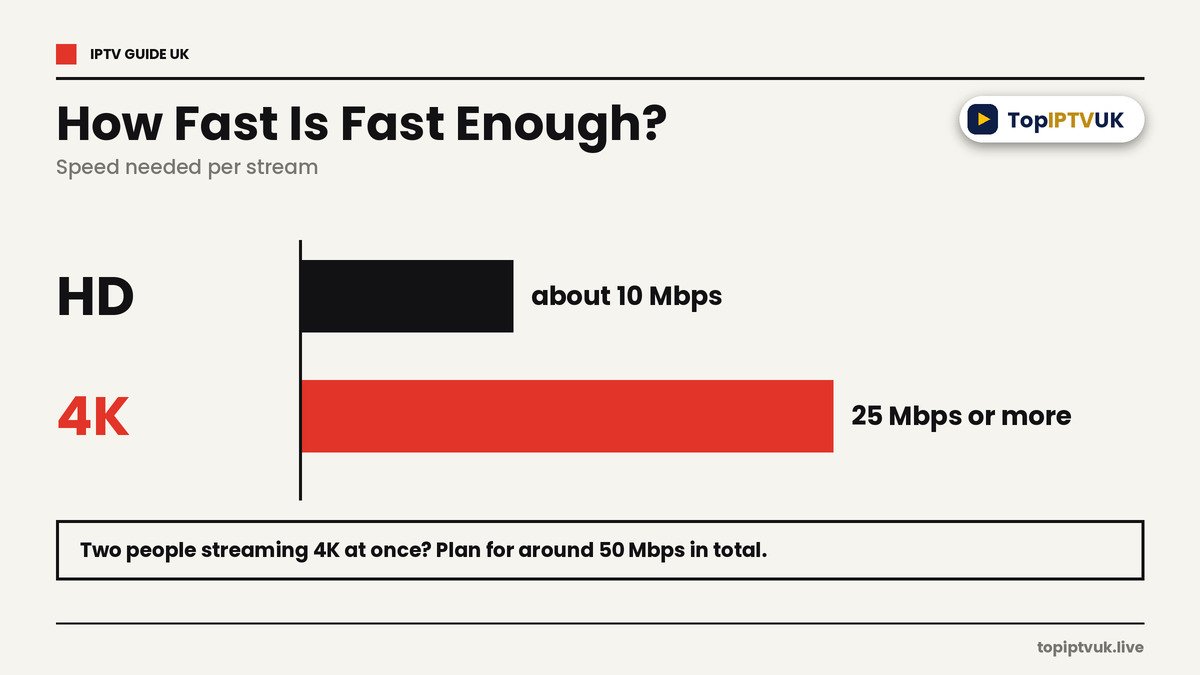
- About 10 Mbps for HD and 25 Mbps or more for 4K, per stream
- Works on Firestick, Smart TVs, phones, tablets and PCs
- Plans from £6.99 a month, with a free 24-hour trial and a 7-day money-back guarantee
In this guide: what IPTV is, how it works, why UK homes are moving online, speeds, devices, a glossary, prices, how to start, FAQs.
IPTV Guide UK: What Is IPTV?
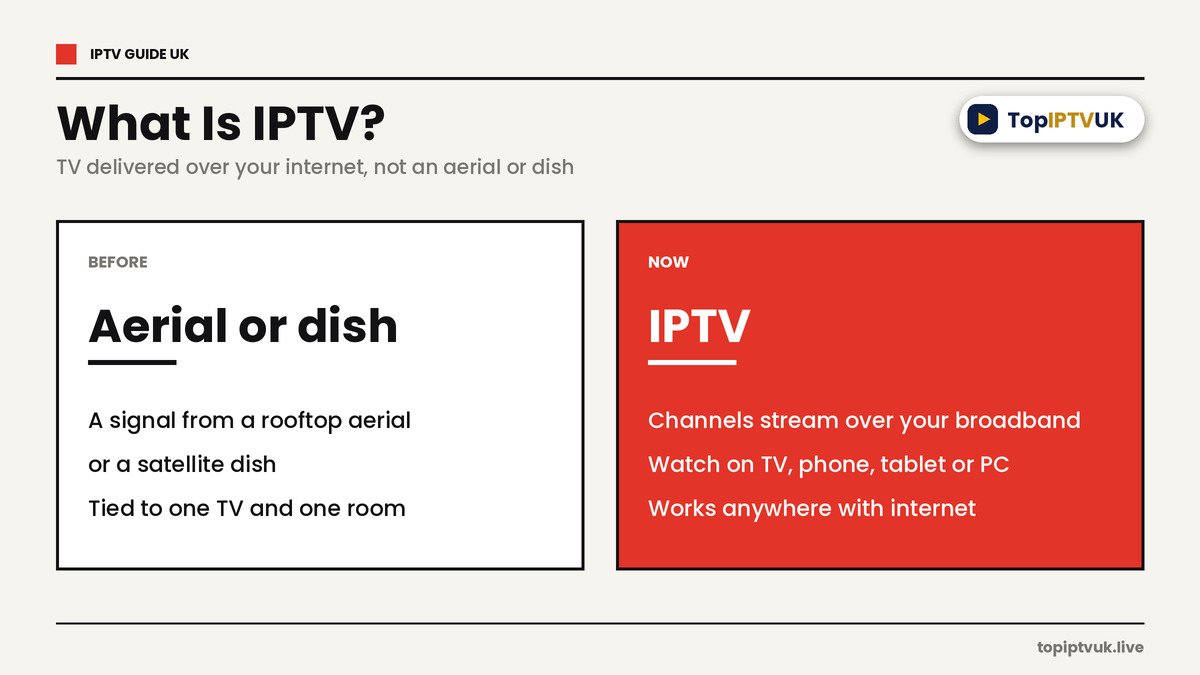
IPTV means Internet Protocol Television. Instead of picking up a signal from a rooftop aerial or a satellite dish, your TV, phone or computer receives live channels, films and series as a stream over your broadband.
You may already use something similar. Catch-up apps and video services stream over the internet. An IPTV subscription adds live TV channels on top, all in one app, usually with a TV guide you can scroll like a normal box.
IPTV Guide UK: How Does IPTV Work?
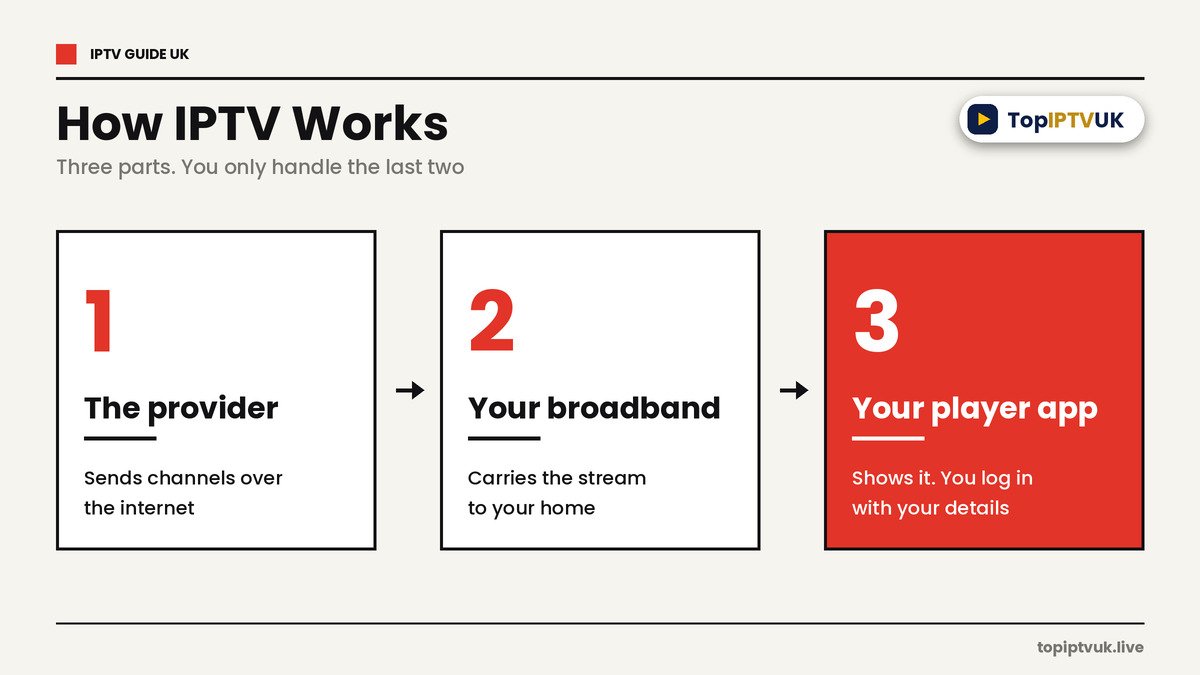
There are three parts, and you only handle the last two.
- The provider sends the channels over the internet from its servers.
- Your broadband carries the stream to your home.
- Your player app on a Firestick, TV, phone or PC shows it, using a login the provider gives you.
Most apps log in with a set of Xtream Codes (a server address, username and password) or with an M3U link. A few apps, such as SIPTV, also need your TV’s MAC address, which is the number printed in your TV’s network settings. Your provider sends whatever your app needs.
Why More UK Homes Are Moving Online
Broadband has improved fast. Ofcom’s January 2026 figures, reported by Advanced Television, show gigabit-capable broadband available to 89% of UK homes and full fibre to 82%. That makes streaming live TV far more practical than it was a few years ago.
The wider TV world is also shifting. Industry commentary, such as a piece in Hi-Fi News, reports that planners want to switch off Freeview by 2034 and move viewers to internet delivery. Whatever happens, internet TV is clearly where UK viewing is heading.
IPTV vs Aerial, Satellite and Streaming Apps
| Aerial (Freeview) | Satellite dish | Streaming apps | IPTV | |
|---|---|---|---|---|
| Needs | Aerial | Dish and install | Internet | Internet |
| Live channels | Limited set | Large set | Mostly on-demand | Large set of live channels plus on-demand |
| Contract | Usually none | Often 12 to 24 months | Monthly | 1, 3, 6 or 12 months |
| Setup | Retune the TV | Engineer visit | Install an app | Install an app and log in |
| Works away from home | No | No | Yes | Yes, on any device with internet |
These are general differences, and every provider is different, so always compare the details yourself. Our IPTV vs Sky UK guide goes deeper.
What You Need to Watch IPTV
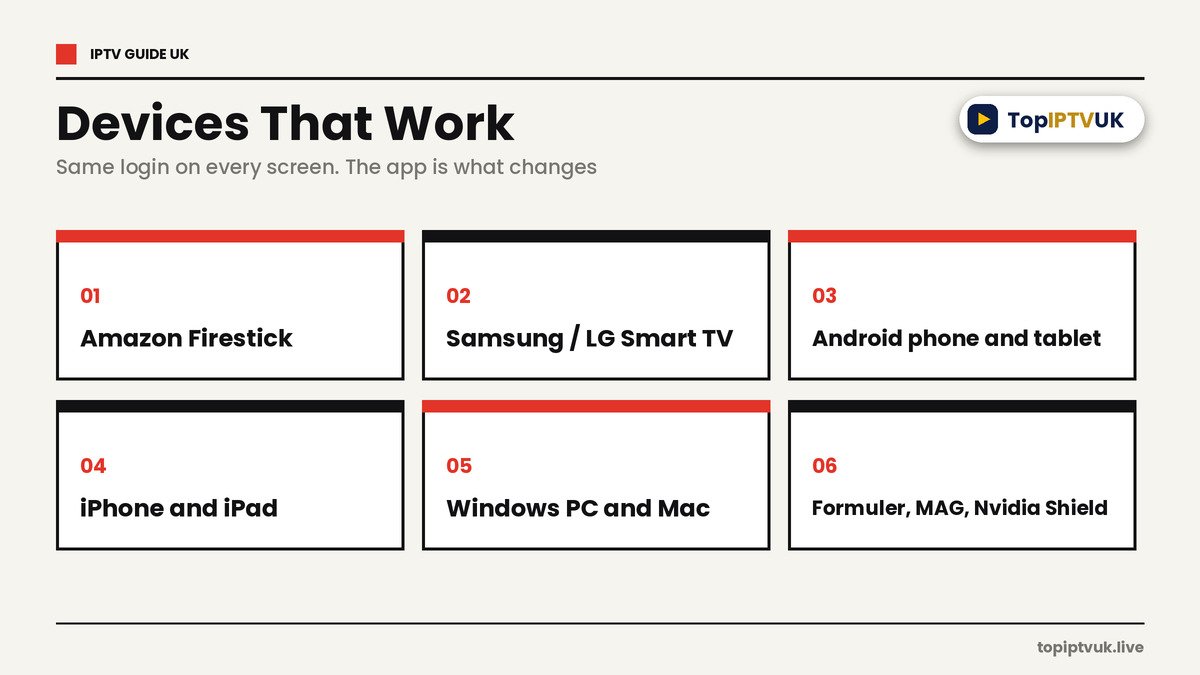
- A screen. An Amazon Firestick, Samsung or LG Smart TV, Android phone, tablet or TV box, iPhone, iPad, Windows PC, Mac, Formuler, MAG box or Nvidia Shield.
- An internet connection. Wi-Fi works, but a cable to your TV or box is steadier.
- A login. This comes with your subscription and works in a free player app.
Popular apps include Smarters Pro, TiviMate, GSE, SIPTV and IBO Player. See our guides for Firestick and Samsung and LG TVs, or the devices page.
How Fast Does Your Internet Need to Be?
Speed is the most common reason streams stutter. As a guide:
| Picture quality | Speed per stream |
|---|---|
| HD | about 10 Mbps |
| 4K | 25 Mbps or more |
Other people in your home also use your connection. One test of 4K services suggests roughly 25 Mbps for each 4K stream, so two people streaming in 4K at once need around 50 Mbps in total, before video calls or downloads. Test your line with Speedtest at different times of day, and read our IPTV buffering fix guide if streams stutter.
IPTV Guide UK: A Beginner’s Glossary
| Term | What it means |
|---|---|
| IPTV | TV delivered over the internet |
| Player app | The app that shows the channels, such as Smarters Pro or TiviMate |
| Xtream Codes | A server address, username and password used to log in |
| M3U link | A web link that loads your channel list into an app |
| EPG | The electronic programme guide, like the guide on a normal TV |
| MAC address | A number that identifies your TV or box, needed by some apps |
| Buffering | When the picture pauses because the stream cannot keep up |
| Mbps | Megabits per second, the unit for internet speed |
Plans and Prices
There are three plans. The plan sets your picture quality. The length sets your monthly cost. These are the 1-device prices.
| Plan | Quality | 1 month | 3 months | 6 months | 12 months |
|---|---|---|---|---|---|
| Standard | HD | £6.99 | £17.99 | £29.99 | £39.99 |
| Advanced (most popular) | Full 4K, priority stream servers | £9.99 | £24.99 | £37.99 | £49.99 |
| Premium | Ultra 4K, dedicated server per line, exclusive VIP channels, VIP direct support | £12.99 | £32.99 | £49.99 | £69.99 |
Longer plans cost less per month: a 12-month Standard plan works out at about £3.33 a month. Check the live pricing page before you order, because prices can change. For more, see our IPTV subscription UK guide and IPTV packages UK guide.
What Is Included
Across the whole service you get:
- 25,000+ live channels from 60+ countries
- 3,500+ UK channels
- 180,000+ movies and series
- HD, 4K or Ultra 4K, depending on your plan
- Kids channels with parental controls on every device
- Languages including English, Urdu, Hindi, Arabic, French, Spanish, Polish and more
Adult content is optional and disabled by default. Browse the categories on our channels page. Channel lineups can change, so use the free trial to check the channels you care about.
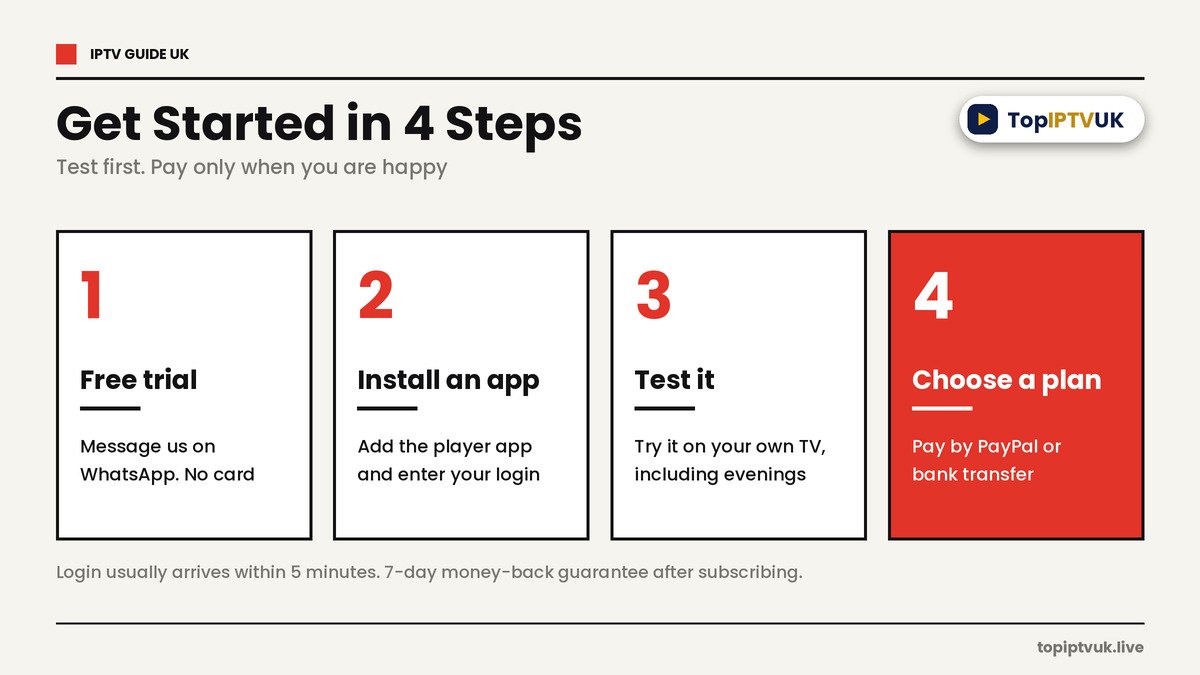
How to Get Started in 4 Steps
- Ask for the free trial. Message us on WhatsApp and we’ll send a 24-hour login, usually within about 5 minutes. No card needed.
- Install a player app on your device and enter the login we send.
- Test it on your own TV, including in the evening when streaming is busiest.
- Choose a plan and pay by PayPal or bank transfer. There is a 7-day money-back guarantee after you subscribe, and support is available 24/7 on WhatsApp.
Read more in our how to subscribe to IPTV UK guide and IPTV free trial UK guide.
5 Beginner Mistakes to Avoid
- Paying before testing. Always use the free trial on your own TV first.
- Ignoring your internet speed. Slow broadband is the top cause of buffering.
- Buying more devices than you need. Count the screens you really use.
- Choosing 4K for a TV that is not 4K. Standard is often enough for HD screens.
- Falling for impossibly cheap offers. Our cheap IPTV subscription UK guide lists the red flags, and our best IPTV subscription UK guide explains what to look for.
Frequently Asked Questions
What is IPTV?
IPTV stands for Internet Protocol Television. It is TV delivered over your internet connection instead of an aerial or dish.
How does IPTV work?
The provider sends channels over the internet. Your broadband carries them to a player app on your device, which you log into with details from your provider.
What do I need to watch IPTV?
A screen (such as a Firestick, Smart TV, phone or PC), an internet connection and a login.
What internet speed do I need?
About 10 Mbps for HD and 25 Mbps or more for 4K, per stream.
Which devices work with IPTV?
Amazon Firestick, Samsung and LG Smart TVs, Android, iPhone, iPad, Windows PC, Mac, Formuler, MAG box and Nvidia Shield.
How much does IPTV cost in the UK?
Plans start from £6.99 a month for Standard on 1 device. A 12-month Standard plan is £39.99.
Is there a free trial?
Yes. The free trial lasts 24 hours and needs no card.
Is there a money-back guarantee?
Yes, there is a 7-day money-back guarantee after subscribing.
How do I pay?
You can pay by PayPal or bank transfer.
Do I need a contract?
No. You choose a plan length of 1, 3, 6 or 12 months.
Legal Note
IPTV technology itself is legal in the UK. As with any streaming provider, it’s sensible to stay informed about the licensing of the content you choose to watch.
Final Thoughts
IPTV is simply TV over the internet, and it is easier to set up than most people expect. Check your broadband speed, pick the device you watch on, and start with the 24-hour trial so you can judge it for yourself before you commit.
Ready to try? Message us on WhatsApp for your free 24-hour trial. For advice on UK broadcasting and streaming, you can also visit Ofcom.
Related Reading
Ready to start streaming? Get your free trial now.
📲 Free Trial on WhatsApp