IPTV Buffering Fix: 10 Easy Ways to Stop Freezing (2026)
IPTV Buffering Fix: 10 Easy Ways to Stop Freezing (2026)

Nothing ruins a match, a film or the evening news like a spinning wheel. If you’re searching for an IPTV buffering fix, you’re not alone. Buffering is the most common complaint with any streaming service, and the good news is that in most homes it can be fixed in a few minutes.
This guide explains why IPTV keeps buffering, then walks you through 10 practical fixes for Firestick, Smart TV, Android and phones. If you haven’t chosen a service yet, our best IPTV subscription UK guide explains what to look for before you pay.
Why Does IPTV Keep Buffering?
Buffering happens when your device can’t receive video data as fast as it plays. The most common causes are:
- Slow or unstable broadband
- Weak Wi-Fi (distance, thick walls, interference)
- An overloaded router with too many devices connected
- Other downloads or streams using your bandwidth at the same time
- An old or full device (especially low storage on a Firestick)
- An outdated app or software
- Peak-time congestion on your internet provider’s network
- A problem on the provider’s side, which is why a reliable service with good servers matters
Most of these are on your side of the connection, and they’re easy to test one by one.
Quick Fix Order: Start Here

If you want the fastest route, follow this order and stop when the problem is gone:
- Restart the app and your device
- Restart your router (unplug for 30 seconds)
- Run a speed test
- Use a cable or move closer to the router
- Pause other downloads and extra streams
- Update the app and clear the cache
Still buffering after that? Keep reading for the full list.
Fix 1: Check Your Internet Speed
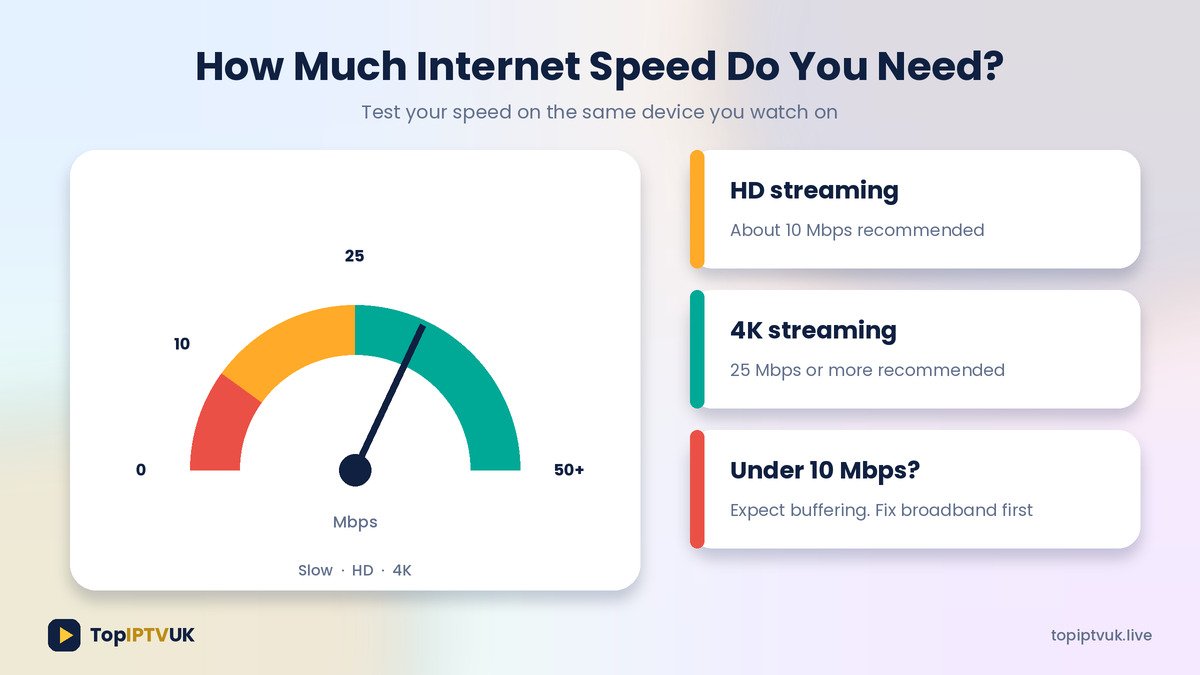
Streaming quality depends on speed. As a general guide:
- About 10 Mbps for HD
- 25 Mbps or more for 4K
Run a speed test on the same device and network you watch on, not on your phone in another room. If the result is under 10 Mbps, contact your broadband provider before blaming the IPTV service.
Fix 2: Restart the App and Your Device
Apps can develop small faults after running for days. Close the IPTV app completely, restart the TV, Firestick or phone, then open the app again. This simple step solves a surprising number of freezing problems.
Fix 3: Restart Your Router
Unplug your router from power, wait 30 seconds, then plug it back in and wait for it to reconnect fully. Routers that run for weeks can slow down, and this refreshes the connection.
Fix 4: Use an Ethernet Cable
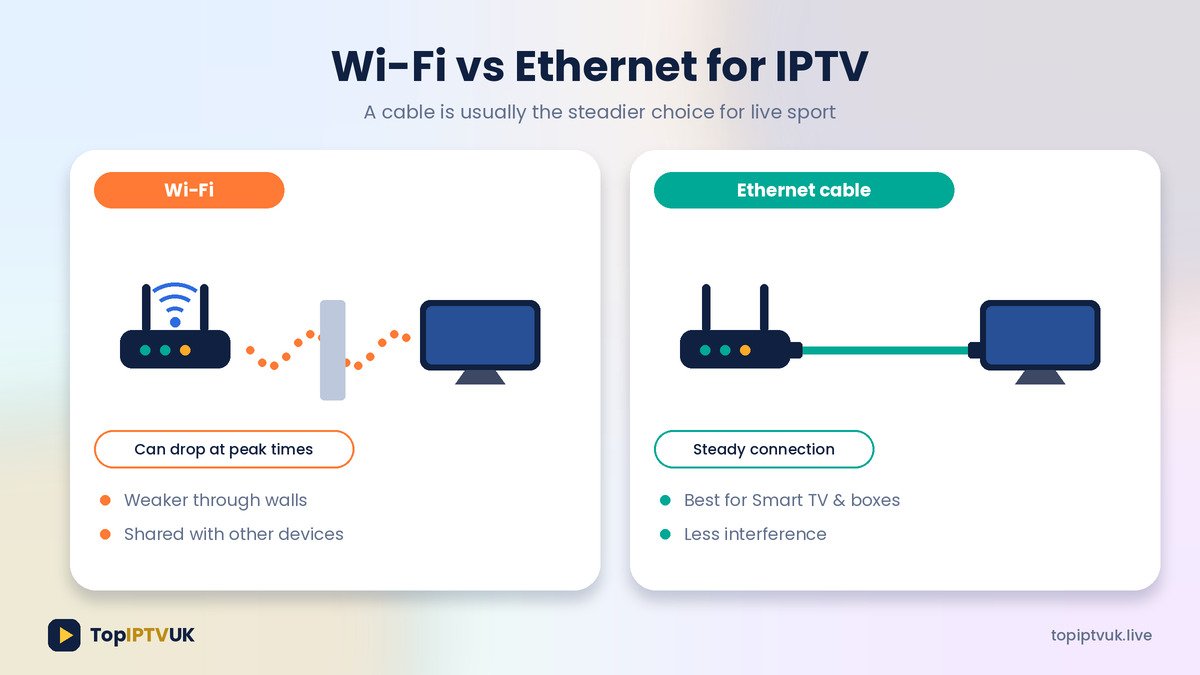
Wi-Fi is convenient, but a wired connection is usually steadier, especially for live sport at peak times. If your Smart TV or box has an Ethernet port, plug in a cable. If you must use Wi-Fi:
- Move the router closer or move it out of cupboards
- Use the 5GHz band if your router offers it
- Avoid placing the router near microwaves or cordless phones
Fix 5: Pause Other Downloads and Streams
If someone is downloading a game update, watching another stream or on a video call, your bandwidth is being shared. Pause other heavy use and see if the picture improves. This is a common cause of buffering in the evening, when the whole household is online.
Fix 6: Update Your App and Device Software
Old versions can cause freezing or crashes. Check for updates for the IPTV app and for your TV or Firestick system software. Our installation guide shows how to keep everything up to date.
Fix 7: Clear the App Cache
A full cache can slow an app down. On an Amazon Firestick, go to Settings > Applications > Manage Installed Applications, select your IPTV app and choose Clear cache. On Smart TVs and phones the menu names differ, but you’ll find similar options under the app’s storage settings. Clearing the cache doesn’t delete your login.
For step-by-step instructions on your device, see our Firestick setup guide and Smart TV guide.
Fix 8: Free Up Device Storage
Low storage slows devices down. Remove apps you no longer use, especially on a Firestick, which has limited space. Restart afterwards.
Fix 9: Check Your VPN
If you use a VPN, a slow VPN server can cause buffering. Try switching the VPN off to test, or choose a closer, faster server. Top IPTV UK works with all major VPNs, but the VPN’s own speed matters.
Fix 10: Contact Support With Details
If nothing helps, tell support exactly what’s happening. A good message includes:
- Which device you use (Firestick, Samsung TV, phone and so on)
- Which channel is buffering, or whether it happens on all of them
- What time it happens
- Your speed test result
Top IPTV UK has 24/7 WhatsApp support, so help is quick. You can also reach us from the contact page.
Buffering During Live Sport
Live matches are the toughest test, because millions of people stream at the same time and the video is fast-moving. To get the best result:
- Connect with Ethernet where possible
- Close other apps and downloads before kick-off
- Restart your router earlier in the day, not minutes before
- Make sure you’re using a plan that matches your needs
Our Advanced plan includes priority stream servers, and Premium includes a dedicated server per line, which is aimed at users who want the most stable experience. Compare them on the pricing page or the services page.
Device-Specific Tips
Amazon Firestick: Restart it, clear the app cache, free up storage and keep it away from hot spots like behind the TV where heat builds up.
Smart TV (Samsung / LG): Update TV software, use Ethernet and reinstall the app if it keeps crashing.
Android TV boxes: Restart, clear cache and update the app from the store.
Phones and tablets: Close background apps, move closer to the router and switch from mobile data to Wi-Fi.
More devices and set-up help are on our devices page.
When Buffering Might Be the Provider
If you’ve tried everything and every device buffers at different times and places, the issue may not be your home. This is the point to test a different provider’s free trial, or ask your current provider what’s going on.
That’s why a proper trial matters. Read our guide on how to test an IPTV free trial UK before you subscribe, and see how IPTV compares on cost in IPTV vs Sky.
How to Prevent Buffering in the Future
- Use Ethernet whenever you can
- Restart your router once a week
- Keep apps and software updated
- Avoid heavy downloads during peak viewing hours
- Choose a plan with enough devices for your household
- Keep 10 to 25 Mbps free for each active stream (HD and 4K guidance above)
Frequently Asked Questions
Why does my IPTV keep buffering?
The most common reasons are slow internet, weak Wi-Fi, an overloaded router, too many devices online or an outdated app.
How do I stop IPTV buffering on a Firestick?
Restart the Firestick, restart your router, clear the app cache, free up storage and use a good Wi-Fi signal or an Ethernet adapter.
How much internet speed do I need for IPTV?
Around 10 Mbps for HD and 25 Mbps or more for 4K.
Does a VPN cause buffering?
It can if the VPN server is slow or far away. Try turning it off to test.
Does Ethernet really help?
Usually yes. A cable is more stable than Wi-Fi and is recommended for live sport.
Is buffering always my internet’s fault?
Not always. If it affects every device in different locations, contact support with details and test a different time of day.
Can I get help from Top IPTV UK support?
Yes. Message us on WhatsApp 24/7 with your device, channel and the time it happens.
Final Thoughts
Most buffering problems have a simple cause, and the IPTV buffering fix is usually one of the steps above: restart, test your speed, use a cable and reduce other usage. Work through the list in order, and if it still isn’t smooth, our team is on WhatsApp to help.
👉 Message our 24/7 support or request a free trial on WhatsApp
Related reading:
- Best IPTV Subscription UK 2026: Complete Buyer’s Guide
- IPTV Free Trial UK: How to Test Before You Pay
- IPTV vs Sky: Cheaper Alternative to Sky TV in the UK
- How to Set Up IPTV on Amazon Firestick
- IPTV for Smart TV UK: Samsung & LG Setup Guide
- Running your own IPTV business? See our reseller programme for support-friendly customer service tips.
Ready to start streaming? Get your free trial now.
📲 Free Trial on WhatsApp